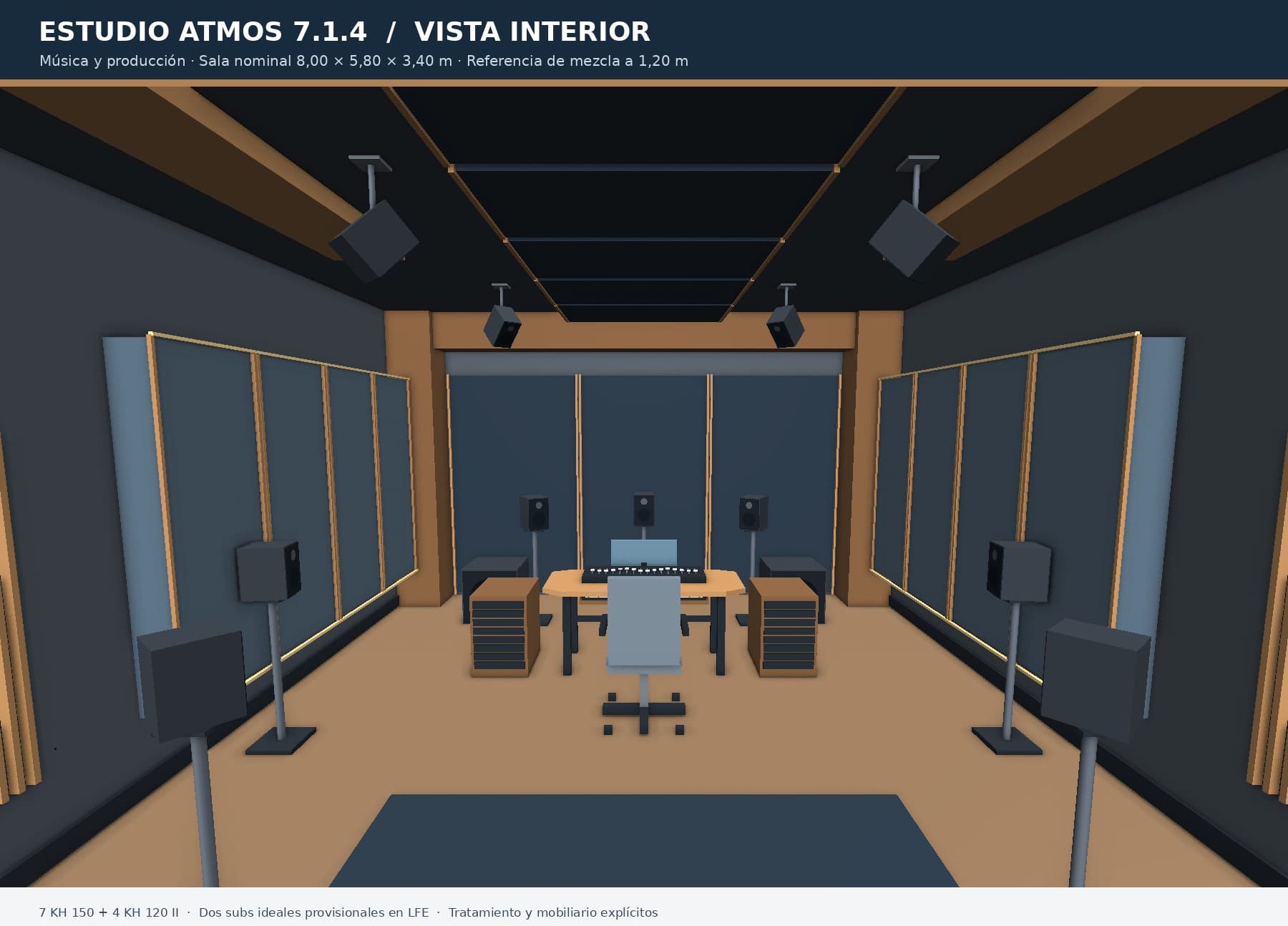
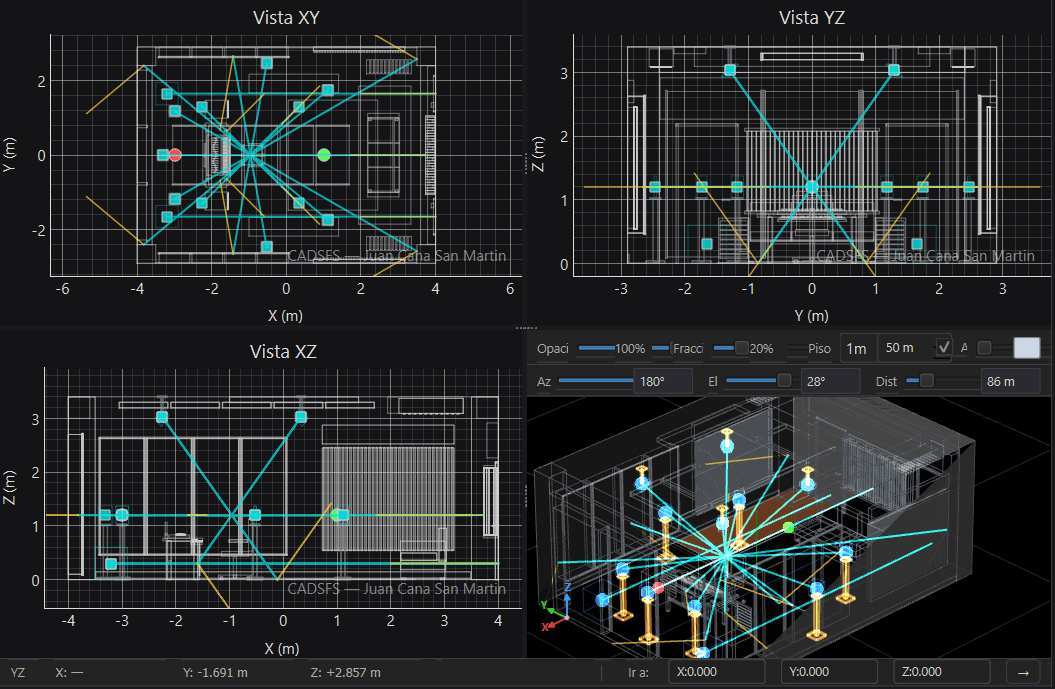
Atmos 7.1.4 Studio · Music and production
Room 8.00 × 5.80 × 3.40 m · mix reference at 1.20 m · 7 KH 150 + 4 KH 120 II · two subs on LFE.
Describe the room → Easy-Draw builds the .csm → you open it in CADSFS
CSM Acoustics · ChatGPT app
Turn the description of your room into a CADSFS project.
Create, correct and update rooms from a conversation in ChatGPT. Describe the space, provide measurements, attach drawings or photographs, or ask for a search of public references. Easy-Draw prepares a downloadable .csm file for you to open, review and keep working on in CADSFS.
General access will open once publication in the ChatGPT directory is complete.
Developed by Juan Eugenio San Martín · CSM Acoustics
Gallery
Each example is a model generated from a description or from drawings and then opened in CADSFS for review. They are project-preparation models: not measurements, certified simulations or construction approvals.
Room 8.00 × 5.80 × 3.40 m · mix reference at 1.20 m · 7 KH 150 + 4 KH 120 II · two subs on LFE.
Describe the room → Easy-Draw builds the .csm → you open it in CADSFS
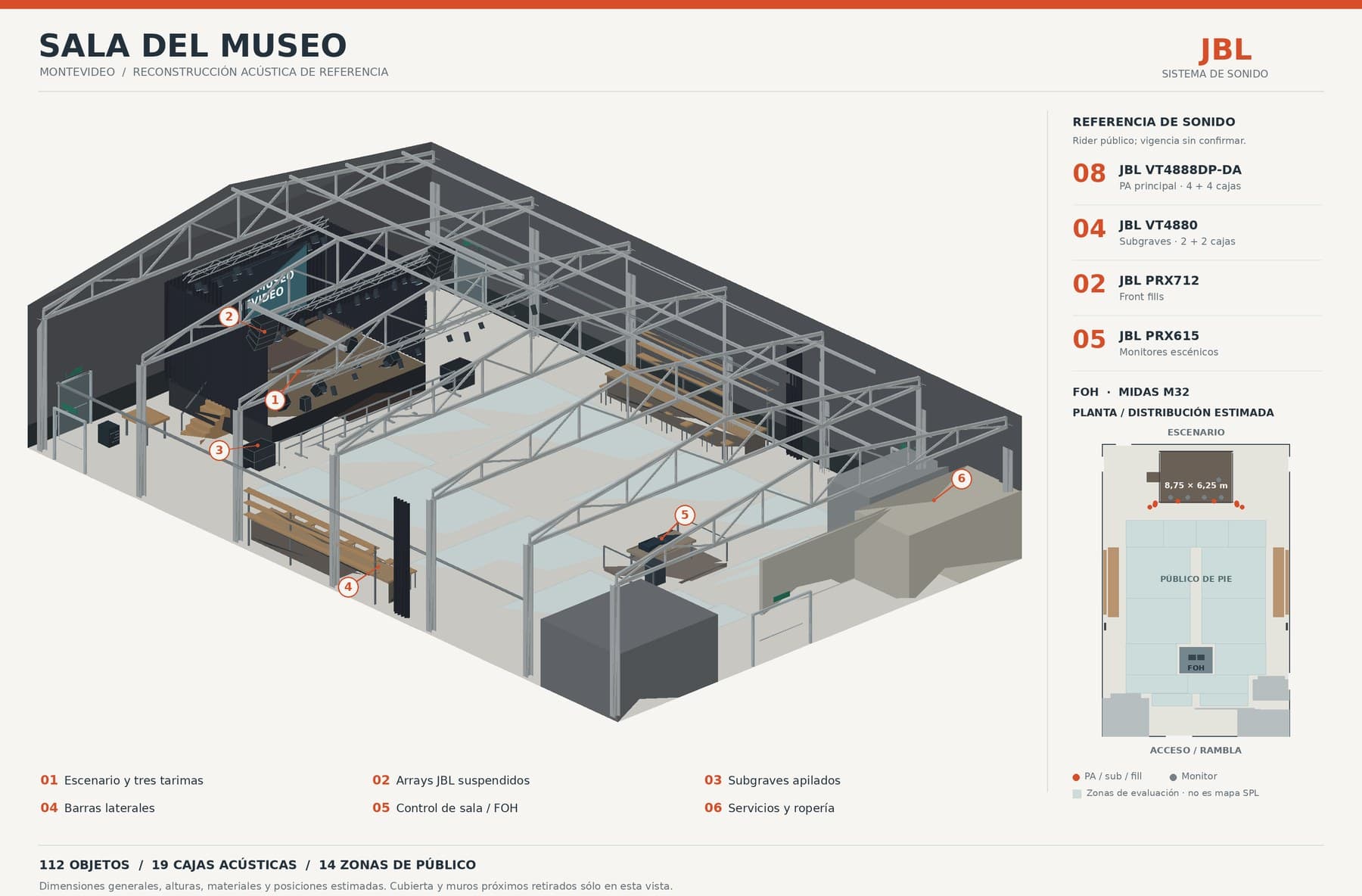
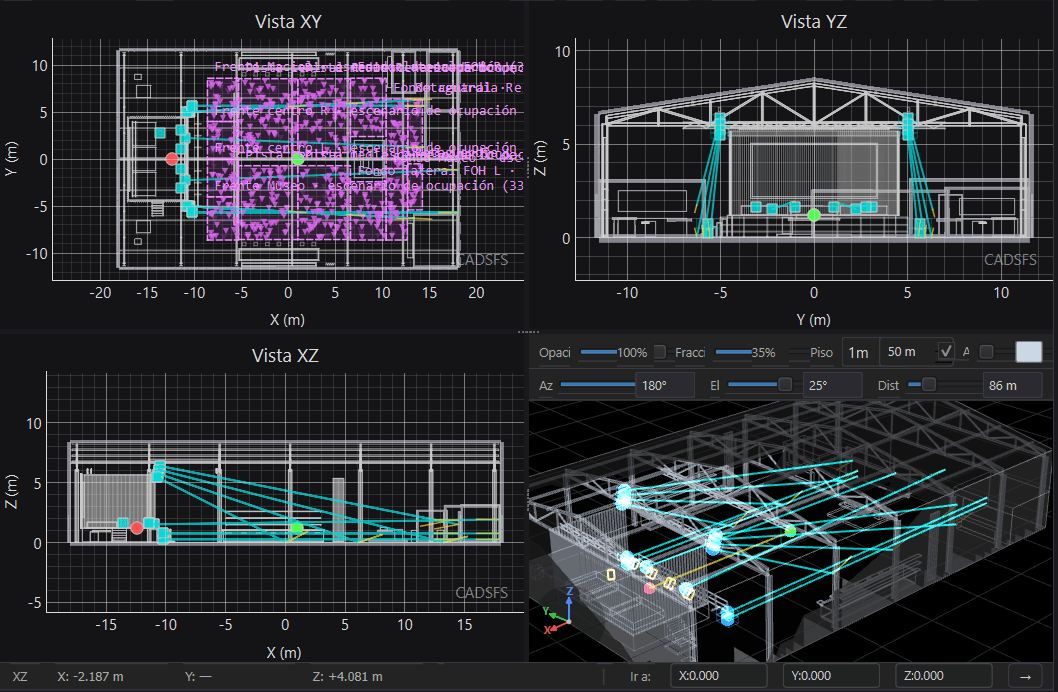
Reference reconstruction · 112 objects · 19 loudspeaker enclosures · 14 audience zones · PA JBL VT4888DP-DA, FOH Midas M32.
Attach drawings or photos → Easy-Draw builds the .csm → you open it in CADSFS
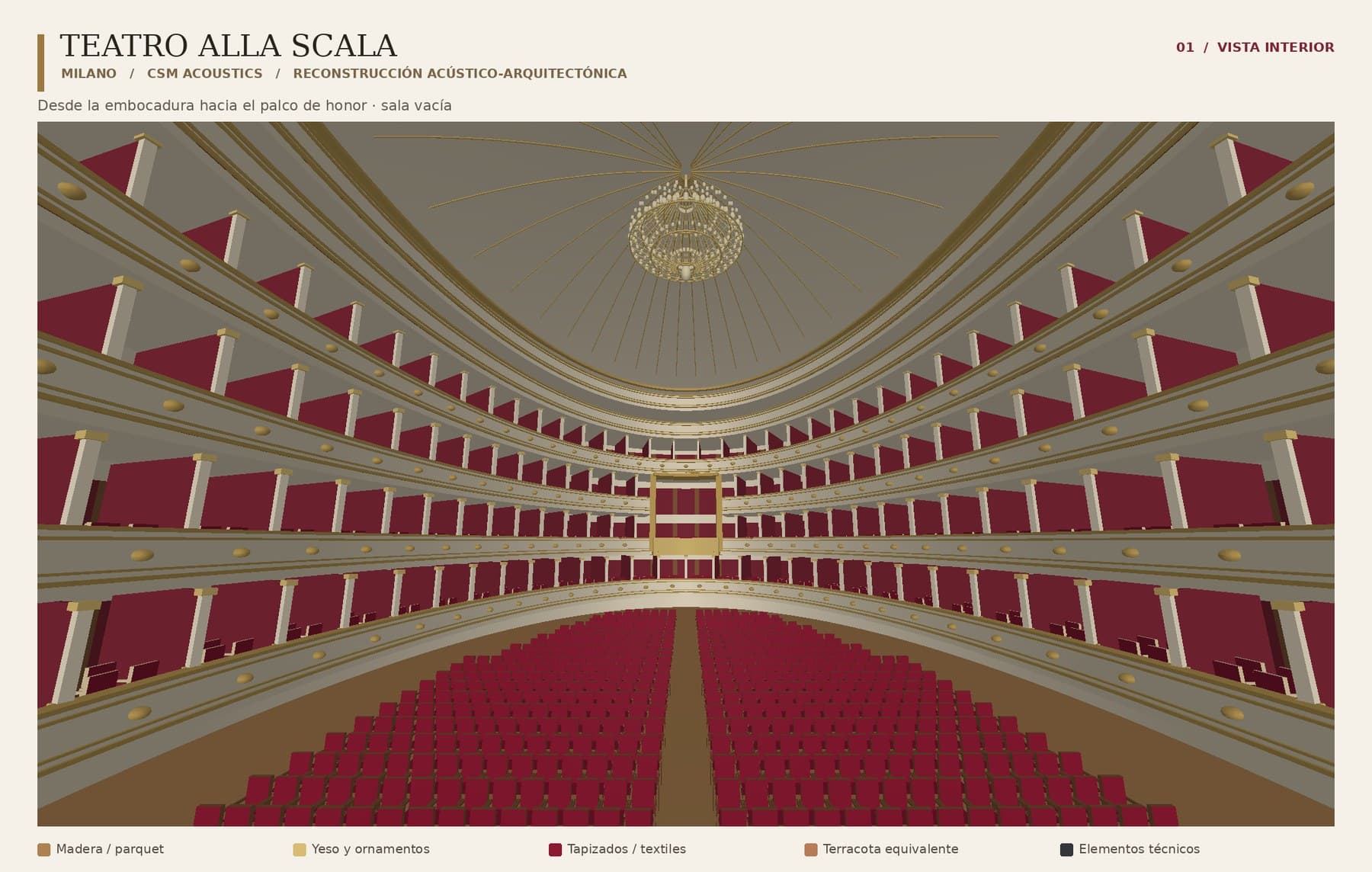
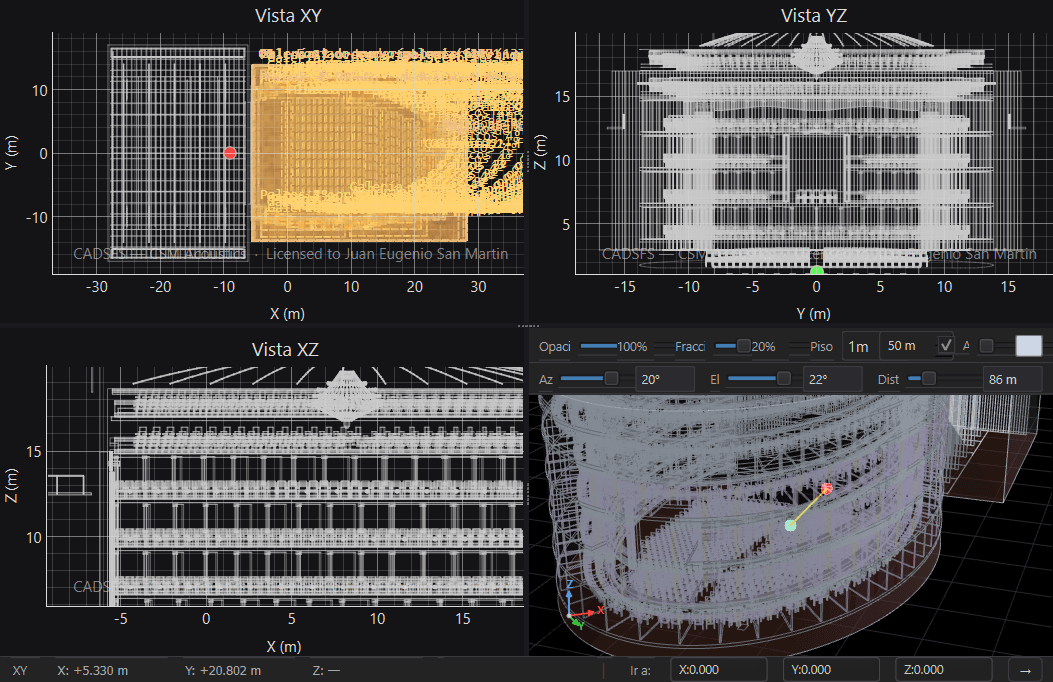
Acoustic-architectural reconstruction · empty hall · explicit materials: wood, plaster and ornaments, upholstery.
Ask for a well-known reference → Easy-Draw builds the .csm → you open it in CADSFS
What you can do
How to use it · once available
Open the CSM CADSFS Easy-Draw page in ChatGPT and sign in with your account.
Install the app if that button appears.
Select it in a conversation with @ or the app picker.
Describe the room or attach documents; state measurements, units and the elements you want to keep.
Download the .csm file and open it in CADSFS to review it and continue your project.
Examples to get started
Before using the results
A reconstruction may contain estimates, simplifications or errors. Check dimensions, materials, positions and the file's consistency before using it professionally. Generating a project is not a measurement, a regulatory certification or a construction approval: construction, safety and rigging decisions must be verified by competent professionals.
Cost and requirements
Cost
CSM Acoustics charges nothing to install or use Easy-Draw.
Requirements
A ChatGPT account with the necessary features. Limits and availability depend on the plan, region and environment.
Not included
It does not include a ChatGPT subscription, nor does it change the licences of CADSFS or other CSM products.
Requests are made inside ChatGPT. Before attaching information, review the Easy-Draw privacy policy and your account controls. Avoid unnecessary personal data and documents you are not authorised to share.
Easy-Draw is an independent product by Juan Eugenio San Martín, presented under the CSM Acoustics brand. It is not an OpenAI product and does not imply sponsorship by OpenAI. ChatGPT and OpenAI are trademarks of their respective owners.
CSM Acoustics charges nothing to use Easy-Draw. It works from your ChatGPT account with the models and features available on your plan, subject to its usage limits.